Your escrow key: create it from a password or use your own hardware wallet
On BTCBacked, the borrower and the lender each hold one key to the loan's escrow. This guide explains the two ways to hold yours and how to choose.
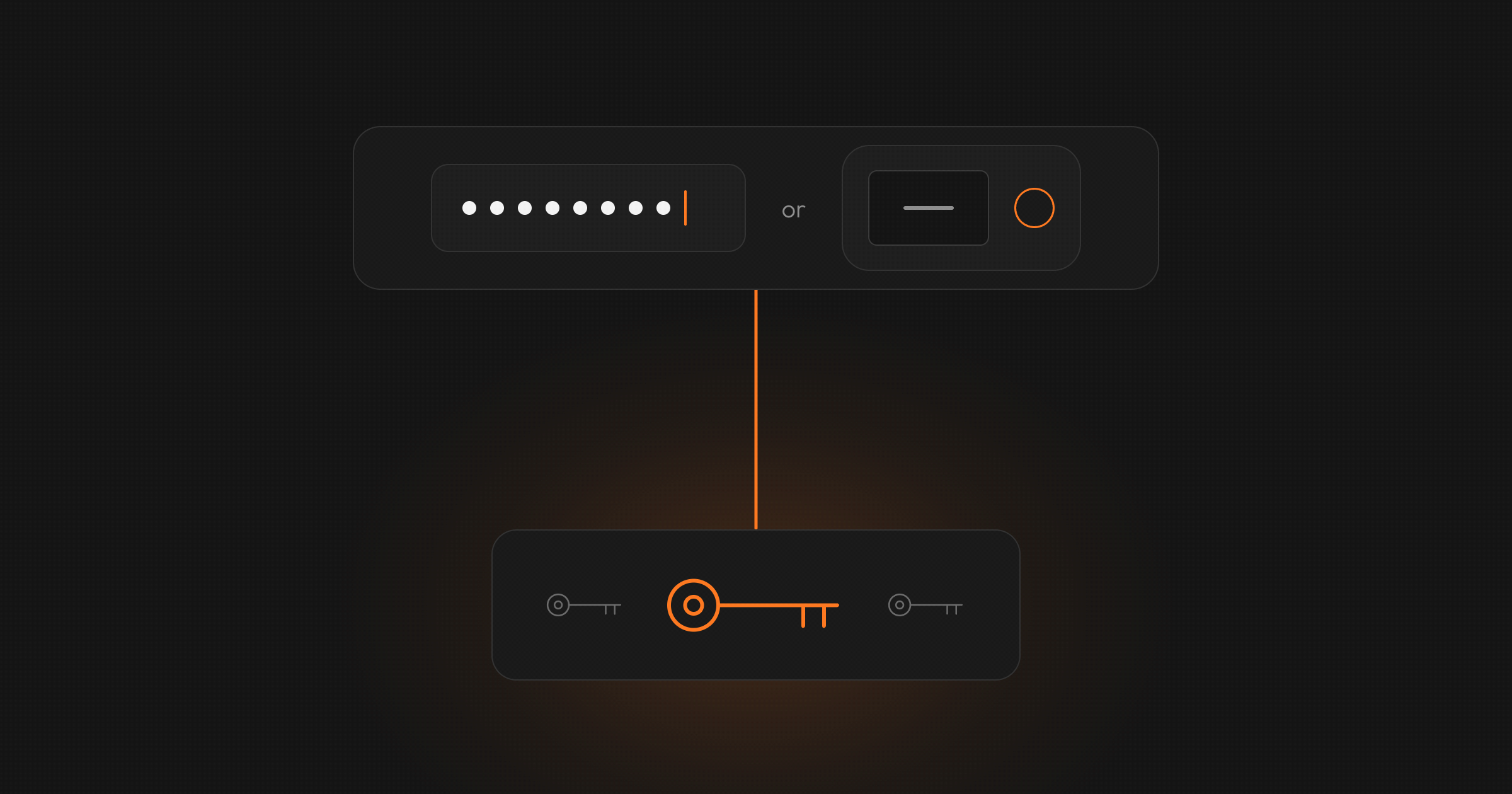
Every loan on BTCBacked keeps its bitcoin collateral in a 2-of-3 multisig escrow: an address that needs two of three keys to move the bitcoin. The borrower holds one key, the lender holds one, and BTCBacked holds the third. No single key can move the collateral.
Your key is the part you control. For each loan, you choose where it comes from. You can create it from a password, or use your own hardware wallet. In the app, the two choices are called "With a password" and "With my own wallet".
The two options at a glance
| A key from a password | Your own hardware wallet | |
|---|---|---|
| Where the key is made | On your device, in the web app or the phone app | Inside your hardware wallet |
| What you need | A password of at least 15 characters | A supported hardware wallet. Some, such as Ledger and Trezor, work through the free Sparrow app on a computer |
| How you sign | You enter your password in the app | You approve on your wallet, passing the payment by QR code or file |
| Keys across loans | A new key for every loan, with its own password | One wallet account, with a separate key for each loan |
| If you lose it | Nobody can reset the password | You restore the wallet from its own backup |
Option 1: a key created from a password
When you choose a password, the app creates your key on your device. It combines your password with a random value, called a salt, and turns them into a Bitcoin key using standard methods (PBKDF2 and BIP32).
Your password and your private key never leave your device. BTCBacked receives only details that cannot sign anything.
The password must be at least 15 characters long. The app does not require capitals or symbols, so a long phrase you can remember works well. Avoid quotes, song lyrics or anything published. Before you confirm it, the app shows four reminders:
- "Please ensure you never lose or forget your password. It generates the private key you need to release your Bitcoin from the escrow."
- "BTCBacked cannot access or recover your password."
- "This password is for this loan only. Each loan has its own."
- "Write it down and keep it somewhere safe."
A forgotten password cannot be reset by BTCBacked or anyone else. Without it, you cannot sign your part of the loan. BTCBacked will never ask for your password.
Option 2: your own hardware wallet
With a hardware wallet, your key is created and kept inside the device. It signs only when you approve a payment on the device.
You connect the wallet to the loan by sharing its public key details with the app: by QR code, by file, or by pasting them as text. When it is time to sign, the app gives you the payment as a QR code or a file. You approve it on your wallet and bring it back the same way.
Neither the web app nor the phone app connects to your wallet by cable. Wallets with a camera scan QR codes directly. Ledger and Trezor work through the free Sparrow app on a computer. The same option also works with a software wallet, such as Sparrow on a computer.
You can use the same wallet account for all your loans. Each loan still gets its own key from that account, and its own escrow address.
Your wallet's backup is its recovery words. Store them safely, away from the device. BTCBacked never sees them.
What BTCBacked stores, and what it never has
For either option, BTCBacked stores only details that cannot sign anything: your extended public key, your key's fingerprint and the derivation path, and for a password key, the salt. These let BTCBacked build the loan's escrow address and check signatures.
BTCBacked never has your password, your private key or your wallet's recovery words. It cannot sign with your key, and it cannot move the collateral on its own.
When you will need your key
As a borrower, you sign:
- the platform fee payment, after you confirm you have received the loan;
- the release of your collateral, after you have repaid in full;
- a refund of your deposit, if the loan is cancelled before it starts;
- what is left of your collateral after a liquidation, if it could not be sent to your refund address at the time.
As a lender, you sign when a loan is liquidated. Loan-to-value is what is owed as a share of the collateral's value. Once it reaches 80%, you can also choose to sign a liquidation in advance.
Whichever option you choose, keep your password or wallet ready until the loan has ended.
Keep the loan's recovery file
For every loan, you can download a recovery file from the loan's references in the web app. The email you receive when the collateral is secured has a link to it. The file holds the loan's public details and, for a password key, the salt. It contains no password and no private key. Keep it private all the same: together with your password, it rebuilds your key.
With the recovery file, the BTCBacked recovery tool lets you sign without BTCBacked's systems. Only use the recovery tool from the link above. It is open source and runs in your browser, even from a downloaded copy. It signs on your computer and goes online only to read the escrow balance and send the payment.
For a password key, it rebuilds your key from your password and the salt in the file. If BTCBacked is unreachable, your password alone cannot do this, so download the file once the collateral is secured and keep a copy. For a hardware wallet, it gives you the escrow details to load into your wallet app, such as Sparrow, and your wallet signs. Either way, that is one signature. The bitcoin still moves only with a second one, from the other side of the loan or from BTCBacked.
How to choose
If you already use a hardware wallet, use it. Your key stays on a device you control, and you approve every signature on it.
If you do not have one, or want a simple start, use a password. Choose a long, unique one, write it down and keep it safe.
Either way, you choose again for every loan. Once your key is registered for a loan, it cannot be changed for that loan.
For how the three keys work together at each stage of a loan, see how a 2-of-3 multisig bitcoin loan works. To see the terms borrowers and lenders are offering, sign up to browse loan offers.
About BTCBacked. BTCBacked is a Swiss marketplace for non-custodial bitcoin-backed loans, headquartered in Zug. Borrowers and lenders agree the terms directly, and the collateral sits in a 2-of-3 multisig escrow on the Bitcoin blockchain. BTCBacked is supervised as a Swiss financial intermediary by VQF (member #101306). More about us
Last reviewed: 13 October 2026. This article explains the escrow key options on BTCBacked. It is not legal, tax or investment advice.
Borrow against your Bitcoin without handing it to a custodian
Join BTCBacked and keep your key while you access liquidity.